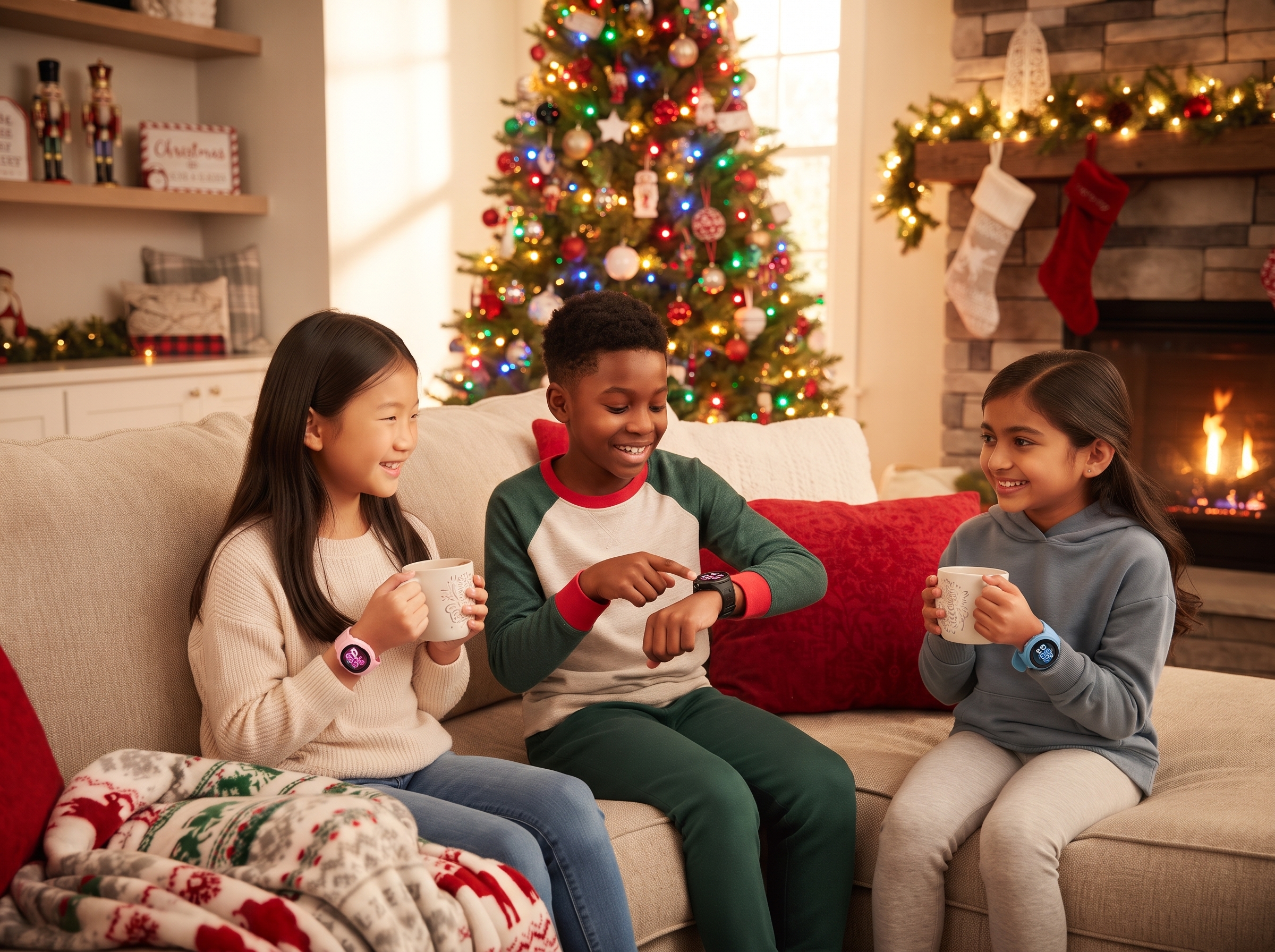

Every holiday, there’s a kid who wants a phone and a parent that must resist the societal pressure (and pressure of peers) to give them one. I am that parent, even though my oldest does, in fact, now have a phone. My 11-year-old, however, has taken up the mantle. A pro-tip is to be upfront with them and tell them they’re not getting a phone, that way they’re not disappointed on the big day — but tell them you might have another good idea.
A kids’ smartwatch is a good first step. It gives them something real to unwrap, and it gives you location, calls, and a little breathing room without opening the door to social media. The tricky part is that not all kids’ smartwatches do the same thing. One of ours, for example, can’t make calls at all, and that’s on purpose. So, you just need to choose the right one.
Hence, this article.
TL;DR: For the most features, choose the myFirst Fone S4. If you need a proven watch at a friendlier price, choose our myFirst Fone R2. For a 4G watch built around independence — at a lower entry price — choose our myFirst Fone M1 (or the just-announced M2 if you don’t mind pre-ordering). For a younger child who just wants to move and play, with no SIM and no monthly plan, choose the brand new fitness-focused Watch F1.
Here’s how to tell which one belongs under your tree.
Three Questions to Ask Before You Buy
1. Do you need to reach and find them?
If you want calls and real-time GPS, you want a Fone: the S4, R2, or M1. If you’d rather skip connectivity altogether, the Watch F1 is a fitness-and-fun watch with no calls and no location tracking.
2. How old are they?
The S4 and R2 are built for ages 5 to 12. The M1 (and announced M2) is aimed at kids who are asking for more freedom. The F1 is made for younger kids, as a first wearable.
3. What does the total cost look like?
The three Fone watches need a monthly eSIM or SIM plan. F1 doesn’t. We break this down further below.
myFirst Fone S4: Best Overall
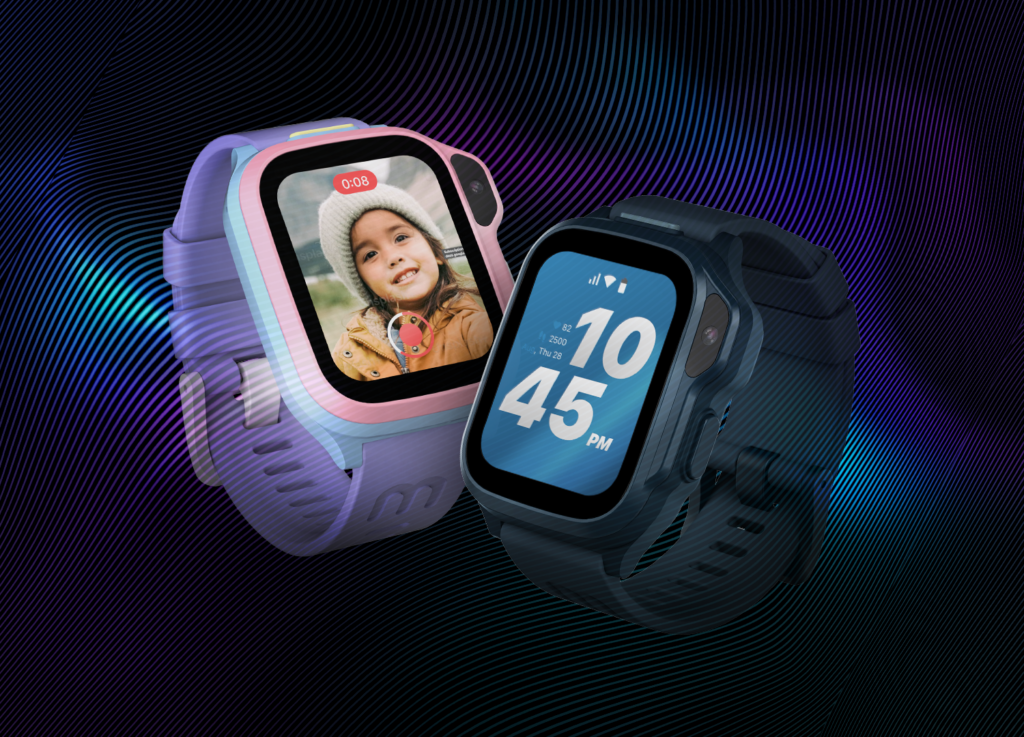
Best for: Ages 5–12 and parents who want everything.
The S4 is our flagship, and it earns the title. It has a 1.65-inch AMOLED screen with always-on watch mode, so they can check the time without waking it up. It also has dual-band GPS for better accuracy near tall buildings, 4G voice and video calls, and a 5MP camera for selfies and video chats.
What sets it apart:
- Habit Trainer: Parents set the goals, like brushing teeth or making the bed, and kids earn rewards for completing them. Is it a bribe? Technically.
- magiCode: Send a message with a custom vibration pattern, like “dinner’s ready,” without a sound or a call.
- The full safety toolkit: One-touch SOS, safe-zone alerts, parent-approved contacts, Class Mode, and no third-party apps.
myFirst Fone R2: Best Value for a Fully Connected Watch

Best for: Ages 5–12, and families who want solid features at a lower price.
The R2 was our flagship until the S4 arrived, and it’s still a great watch. It has a 1.3-inch AMOLED screen, GPS tracking, video calls, a 5MP camera, an MP3 player, and heart rate and fitness tracking. Parents can even set a high-heart-rate alert, which is handy for kids who treat every day like a marathon.
It also has the Magic Button, which can be customized for a single, double, or long press. A long press might send a voice message to Mom. A double press might open the camera.
If you don’t need the S4’s extras, the R2 delivers the core experience for less. It’s also cool-looking, so your kid needn’t worry about that.
myFirst Fone M1/M2: Best for Growing Independence
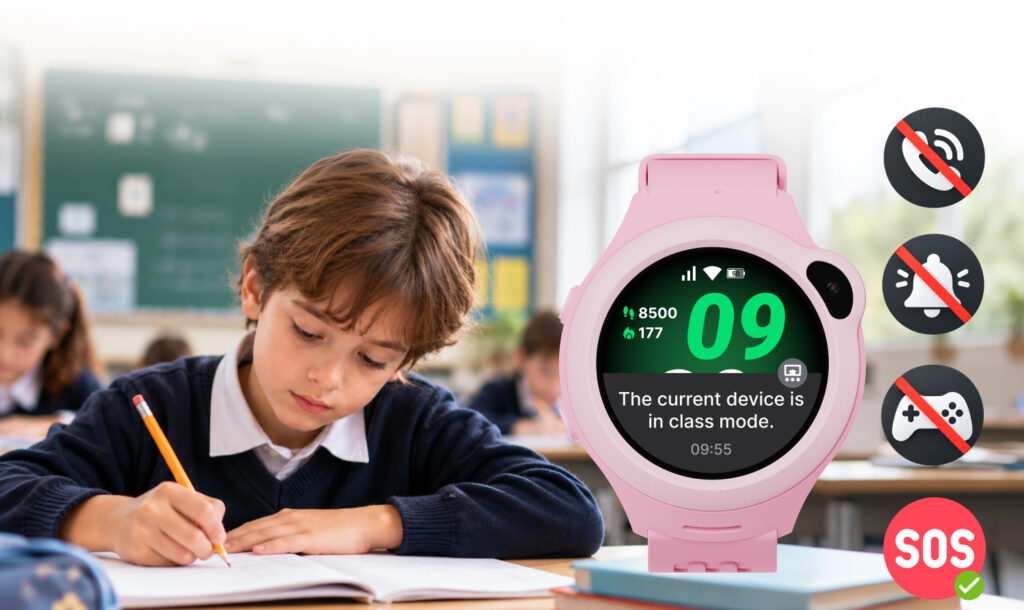
Best for: Kids who want to roam a little further, and parents who still want to know where they are.
The M2 is our newest 4G watch. It pairs real-time GPS (GPS, A-GPS, Wi-Fi, and LBS) with voice and video calls over 4G or Wi-Fi, group calls for up to eight people, and a 1.32-inch AMOLED screen. It’s rated IP67 for water and dust resistance, and the battery is built for a full school day and then some. But, it also was just announced and might still only be for pre-order, depending on when you’re reading this.
The M1 still does a lot and is still available now.
Two versions are available, and the difference is the SIM:
- M2: Uses a removable nano SIM that you activate with your carrier.
- M2c: Has a built-in nano SIM and uses a myFirst SIM subscription.
Availability varies by region.
myFirst Watch F1: Best First Watch for Young Kids
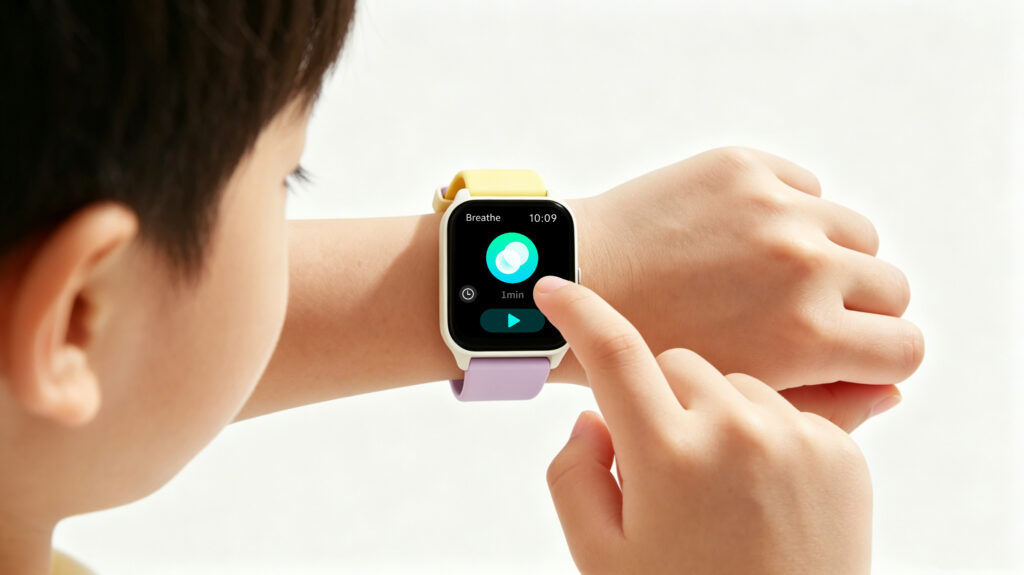
Best for: Younger kids, and parents who want a fun, active watch with no screen-time strings attached.
Can your child wear a watch without losing it? Without breaking it? Will they even like wearing it?
Well, it’s time to find out — and we’ve made this one as comfortable as possible for young arms that aren’t accustomed to having something strapped onto them.
Full disclosure: the F1 isn’t a phone watch. It has no SIM card, no calls, no GPS, and no monthly plan. It syncs to the myFirst Circle app over Bluetooth, and that’s it.
What it does have is a lot of fun packed into a 39-gram watch:
- 100+ sports modes that track steps, distance, calories, and heart rate
- Sleep monitoring and a high heart rate alert
- 10 built-in games, with nothing to download and nothing to buy
- 200+ animated and DIY watch faces
- IP68 water resistance and up to five days of battery life
If your child is too young for a connected watch, or you just want something that gets them moving, this is a great first step. It’s also the easiest gift to say yes to.
How to Choose by Age
- Younger kids, first wearable: Start with the F1. It’s fun, simple, and has no connectivity to manage.
- Ages 5–12, want calls and GPS: The S4 or R2. Pick the S4 for the most features, or the R2 for the best value.
- Kids asking for more independence: The M1/M2, with its 4G calling, location tracking, and safe-zone alerts.
What Will It Actually Cost?
There are two parts to the cost: the watch, and the plan.
- Watch price: The F1 is the most affordable, followed by the R2, the S4, and the M2. Current prices are on each product page.
- Monthly plan: The S4, R2, and M2 need a cellular plan to make calls and report location. The S4 and R2 come with a free first month on a myFirst eSIM, and the M2c uses a myFirst SIM subscription. The F1 needs no plan at all.
If you’re gifting a connected watch, factor the monthly plan into the budget before you buy.
Frequently Asked Questions
What’s the best smartwatch for a kid?
It depends on age and what you need. The S4 is the most feature-packed, the R2 is the best value, the M2 supports growing independence, and the F1 is a no-plan fitness watch for younger kids.
Do kids’ smartwatches need a phone plan?
The S4, R2, and M2 do, because they use cellular service for calls and GPS. The F1 doesn’t, since it has no calling or tracking.
Can my child download apps or use social media on it?
No. None of these watches allow third-party apps, and contacts are approved by parents through the myFirst Circle app.
What age is a kids’ smartwatch good for?
The S4 and R2 are built for ages 5 to 12. The F1 is designed for younger kids. Every child is different, so go with what fits your family.
Ready to Wrap One Up?
Whether they’re calling you from the school bus or racing through the backyard, there’s a myFirst watch that fits. Browse the full lineup of kids’ smartwatches and pick the one that makes the holidays a little easier.
Oh, and if you need guidance on how to give them a smartwatch for the holidays, we have a guide on that too. Hint: charge it first.